

Hosting
Website down or showing a 503 error—how to fix it?
- 617
- por Net Asp Hosting - Support Blog
- Publicado 16/1/2021
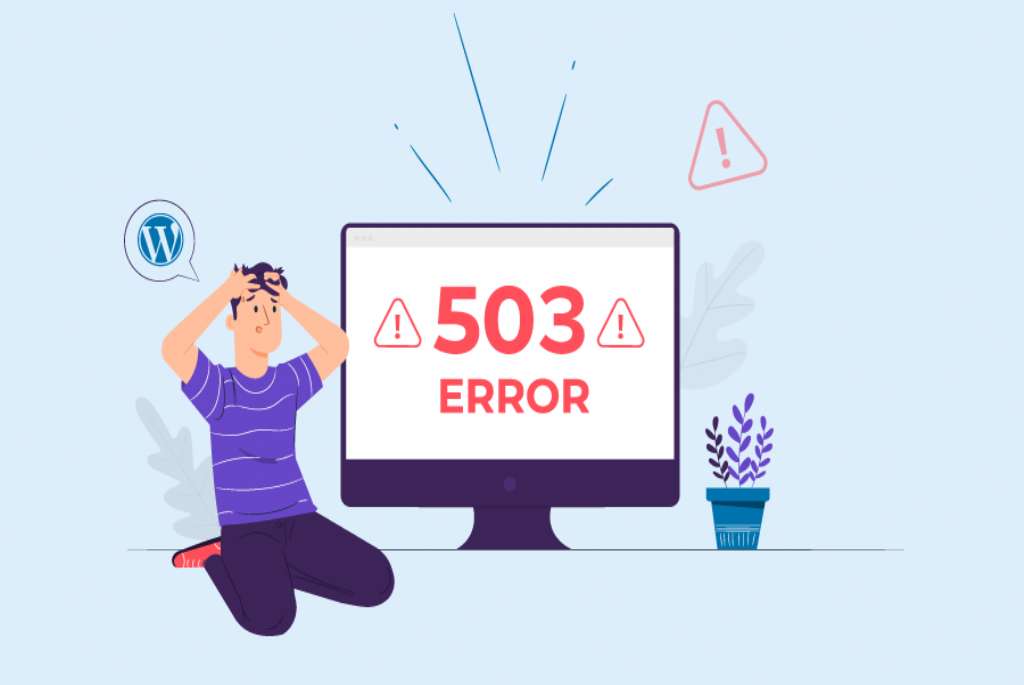
o minimize occurrences of this type, we have implemented a dedicated "pool" in our Windows architecture; this ensures that each application runs in its own exclusive process on the server. This model guarantees that your application will not be affected if another client hosted on the same server has unoptimized code.
Several factors can cause a 503 error (application overload or interruption) on a site hosted on a Windows server, but the issue can be resolved simply by restarting your IIS Application. To do this, follow the steps below:
(STEP 1) First, log in to your Plesk control panel.
(STEP 2) Click the "Dedicated IIS Application Pool for the Website" icon located at the bottom of the page.
(STEP 2 - NOTE) If you are a Reseller, you will need to access your client`s subscription/hosting account first, and then locate the "Dedicated IIS Application Pool for the Website" icon for that specific subscription/hosting account.
(STEP 3) Click the "Recycle" icon and wait a few seconds. Once the page refreshes, your site will be back online.
Enviar feedback