

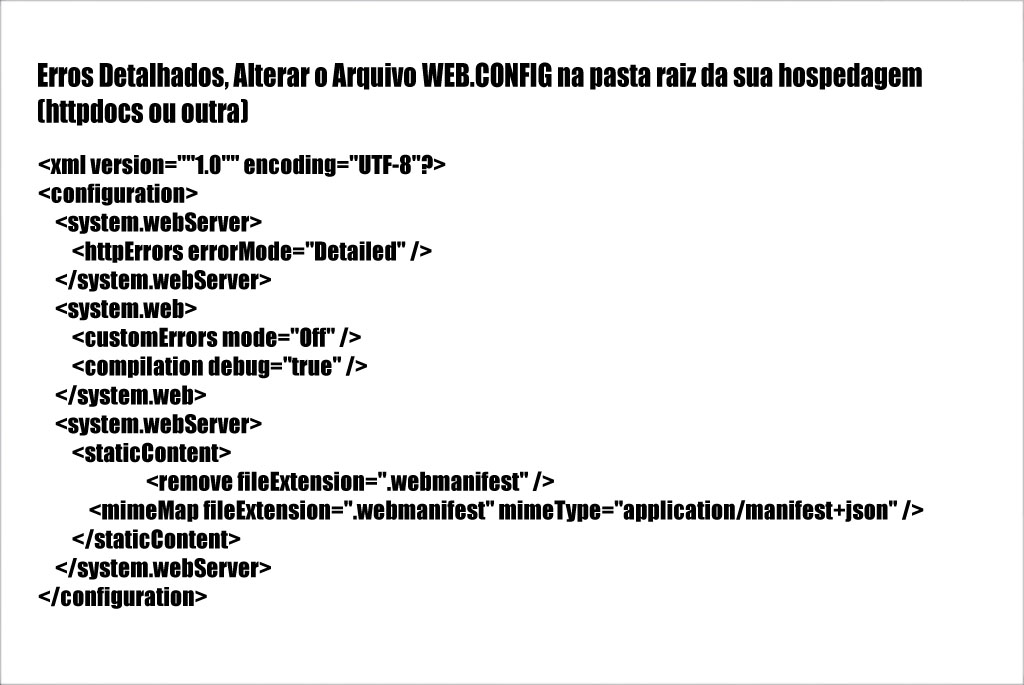
To Enable Detailed Errors:
1). Edit the web.config file located in your hosting`s httpdocs folder (or the folder containing your files).
2). Delete the entire content of the web.config file.
3). Download and unzip the web.config file below, then copy and paste the following:
DOWNLOAD HERE
4). In Plesk, under Websites & Domains, click the Hosting Settings menu; under Web Scripting, uncheck the "Custom error documents" option.